
amux for iPhone
Claude Code and Codex, on your iPhone.
Your agents keep running on your own computers. amux tells you the moment one needs you, and you answer it from wherever you are.

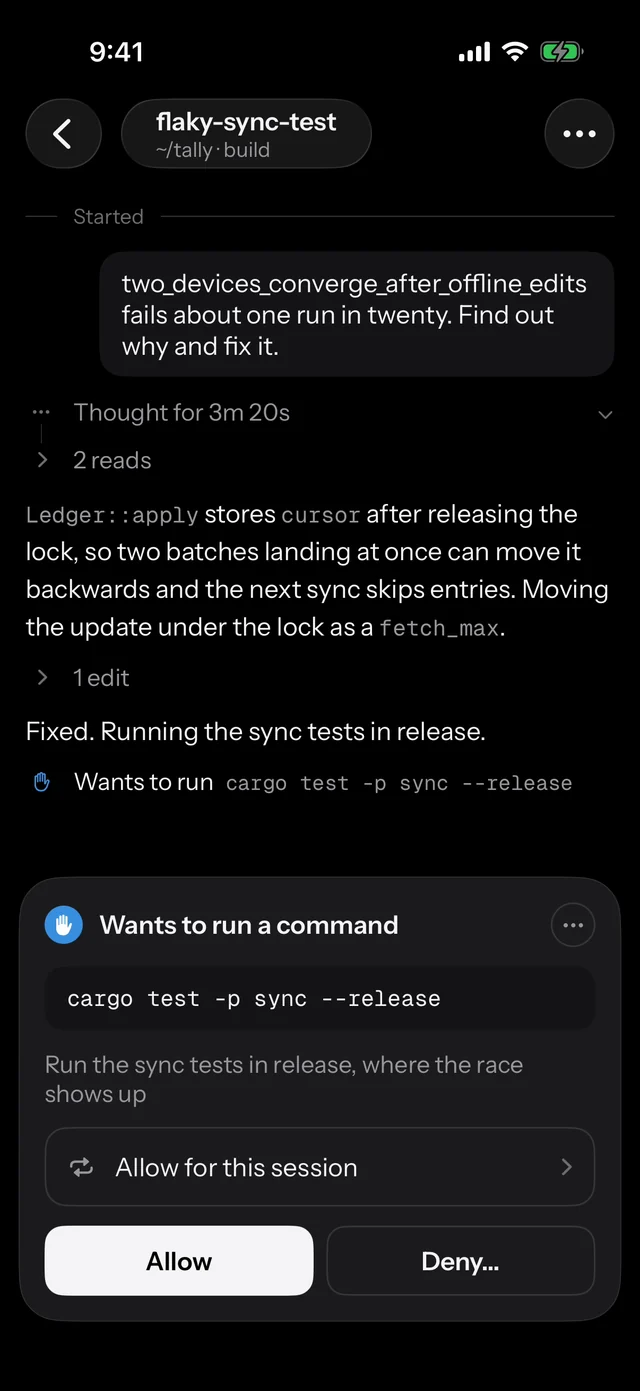
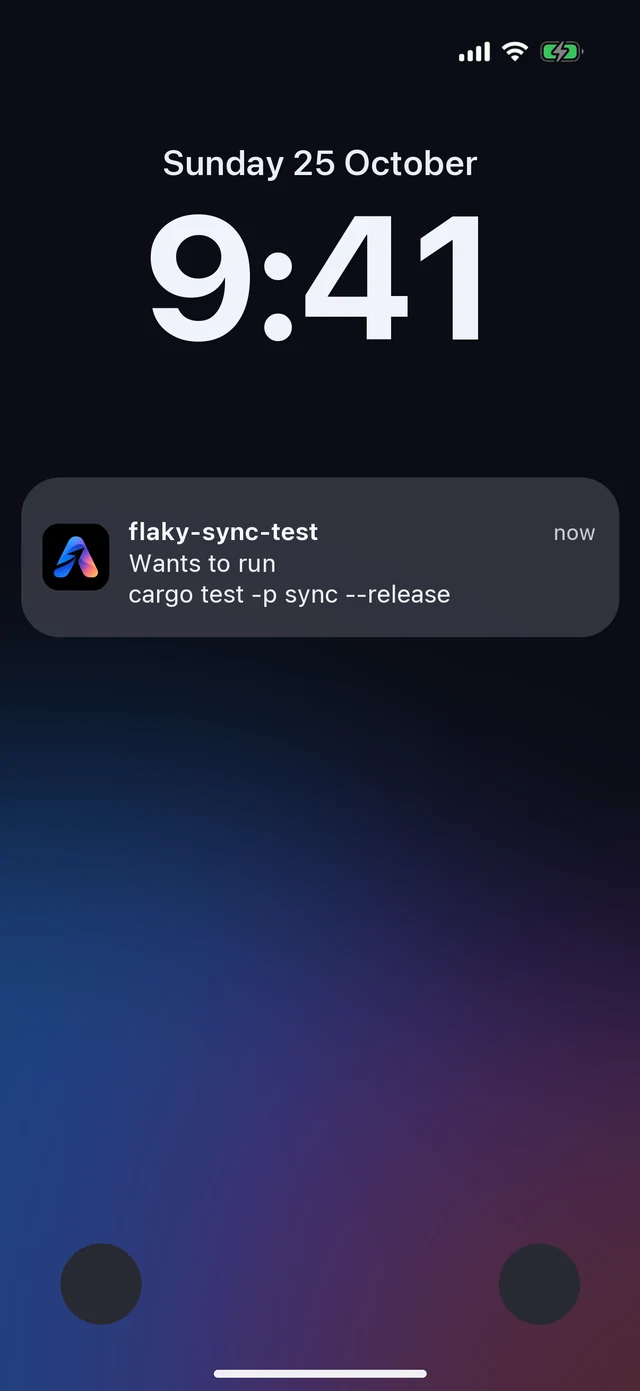
A full client
Everything but
the desk.
It's built for a phone, not a terminal squeezed onto one.
-
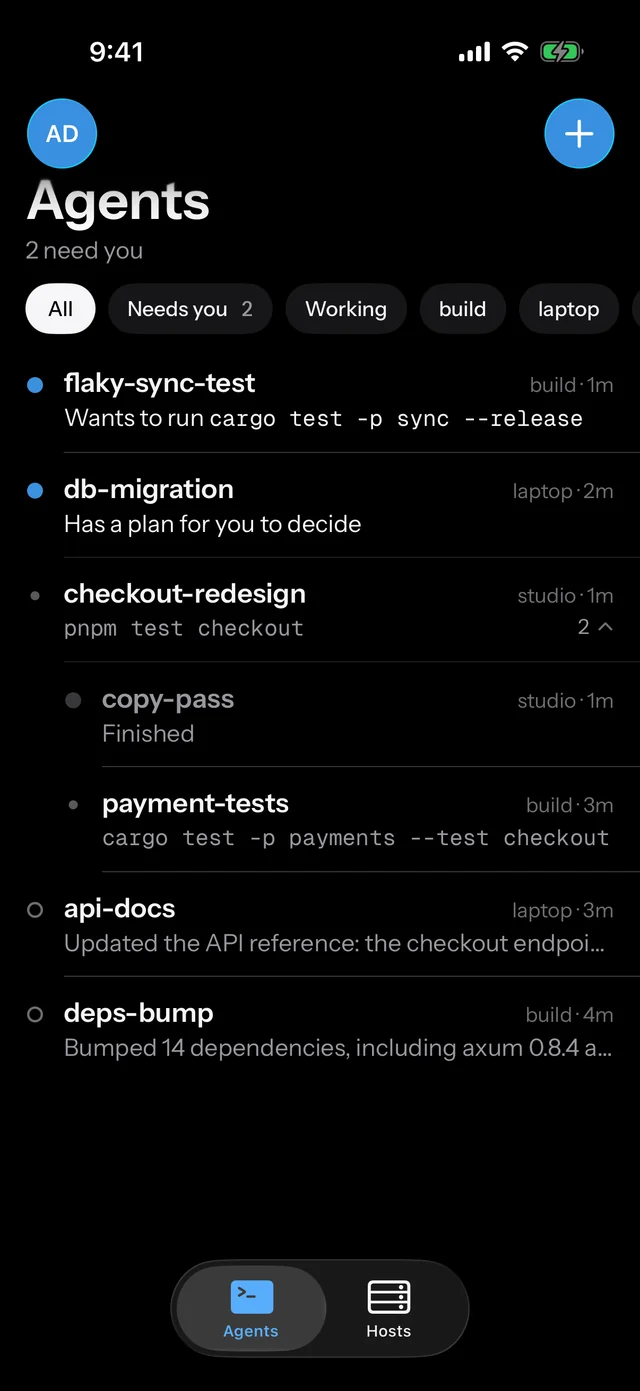
See every agent
What each one is doing, on every computer, with the ones waiting at the top.
-
Answer them
Approve a command, accept a plan or reply in your own words.
-
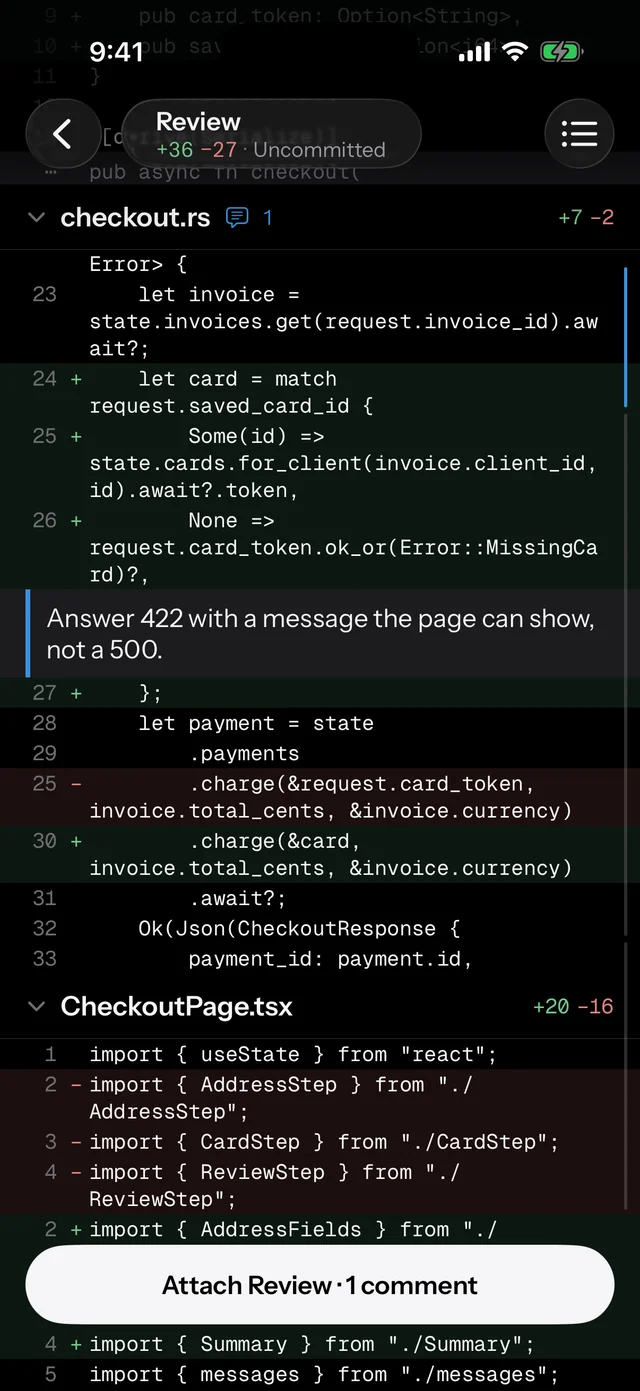
Review their work
Read the diff, comment on a line and send it back as one review.
-
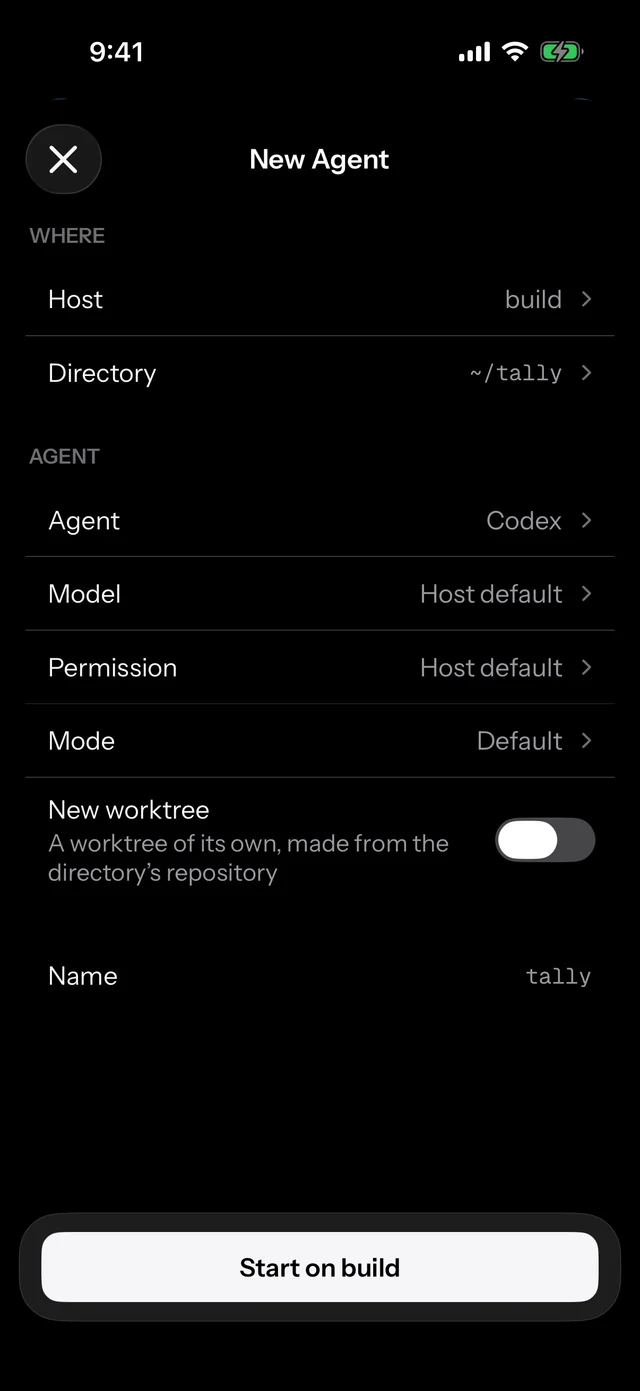
Start new ones
Pick the computer, the folder and Claude or Codex, and it's running.
Get started
Three steps.
Then you're paired.
Your agents run on your computer, so amux starts there.
-
Install amux on your computer
It works with the Claude Code and Codex you already use.
-
Run
amuxThe first run sets it up and shows a QR code. Any time later, it's
amux pair --qr. -
Scan the code
Use your iPhone's camera. It opens the app ready to pair, with nothing to type.
Away from home
At home, it's free. Anywhere, it's Pro.
On the same network as your computer, the app is free and needs no account. Pro reaches your agents from anywhere through the relay, and sends a notification when one needs you. Already use Tailscale? Your phone can reach your computer that way for free.
See pricing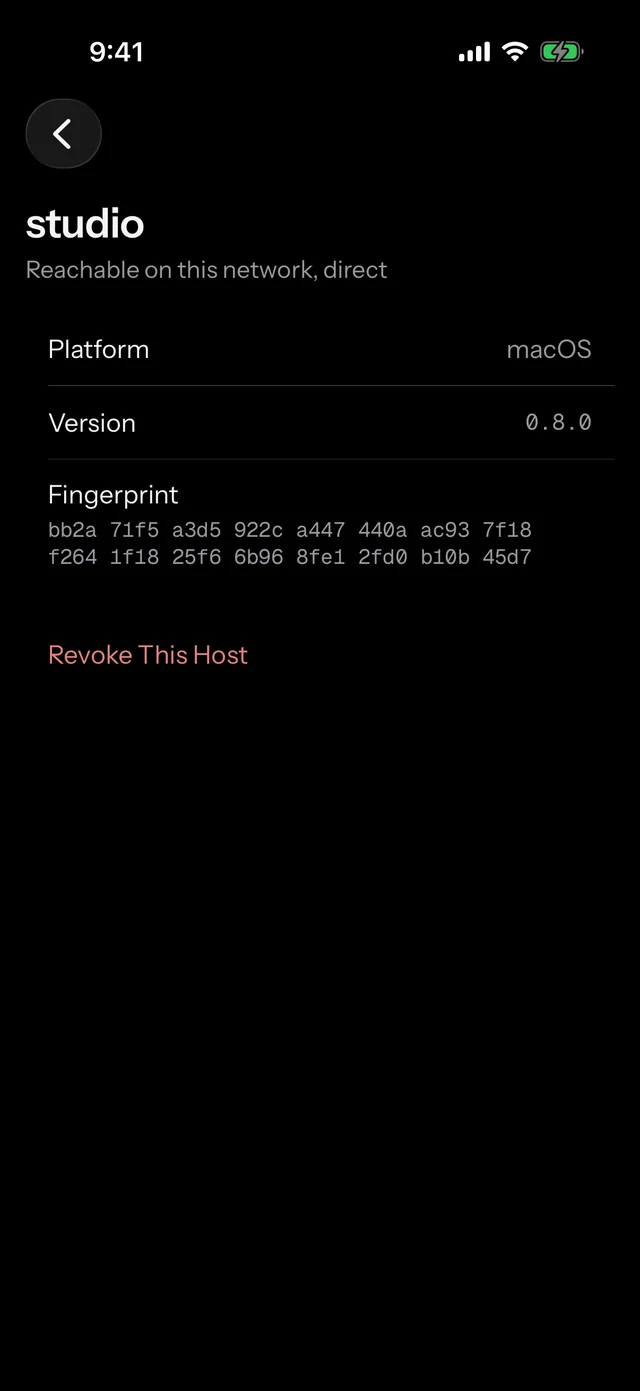
Private by design
Your code stays on your computers.
Chats are end-to-end encrypted between your own devices, and you grant trust in person when you pair. The relay carries only what it can't read. Notifications are encrypted for your phone before they leave your computer.
Security and privacy Guides
Go further.
Compare your options, and keep your agents working while you're out.
Questions
Something else? Write to support@amux.sh or open an issue on GitHub.
Does it work with Codex as well as Claude Code?
Yes. You see both together, and answer and review them the same way.
How is this different from Remote Control or the ChatGPT app?
There's nothing to set up for each agent. Claude Code's Remote Control is turned on session by session by default, and that session has to stay open. Codex goes through the ChatGPT desktop app, which has to stay open on a Mac or Windows computer. With amux, every agent on a computer you've paired is on your phone from the moment it starts, Claude Code and Codex alike, and it keeps running after its terminal closes.
What does it need?
An iPhone on iOS 26. There's no iPad or Android version yet.
What happens if I lose my connection?
Your agents carry on, because they run on your computers. The chat says it's reconnecting, keeps what you've typed and sends it once it can.
How much does it cost?
The app is free, and so is using it on the same network as your computer, with no account. Pro adds reaching your agents from anywhere, and notifications when one needs you.