New amux for iPhone is on the App Store

Your agents, everywhere, all at once.

Every Claude Code and Codex agent on your computers, in your terminal and on your iPhone. Answer the ones waiting on you from wherever you are.

Then install amux on your computer. Free macOS, Linux and Windows

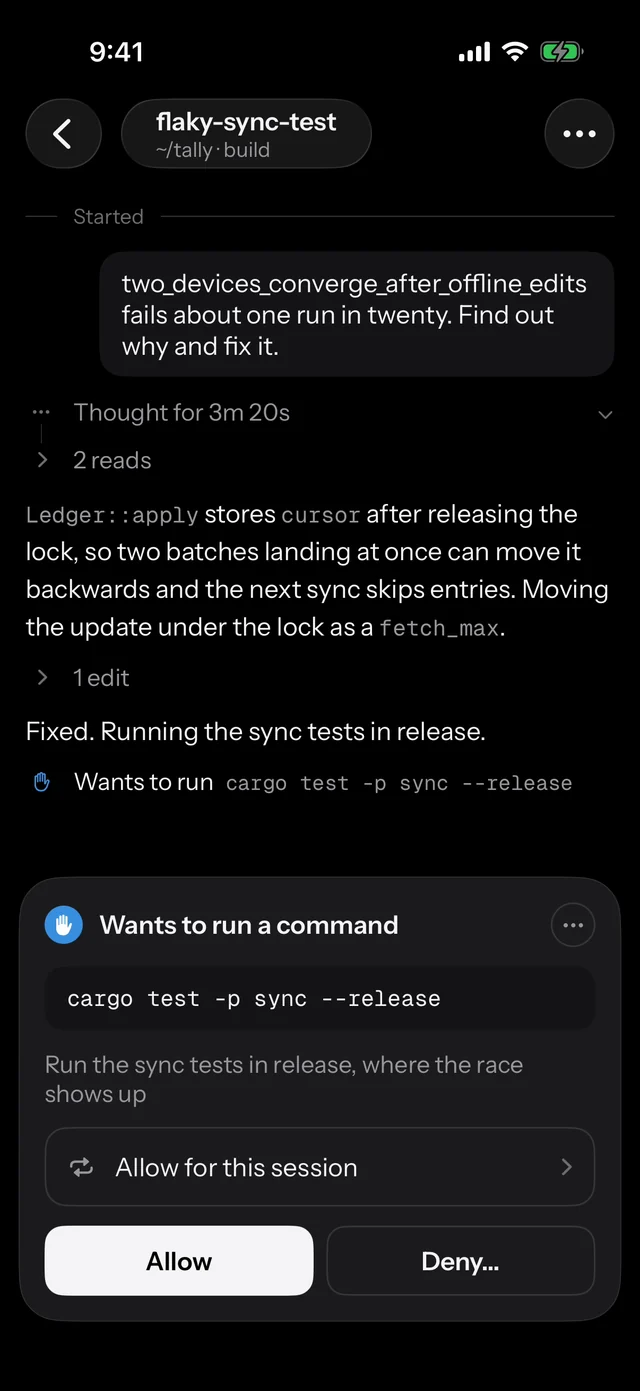
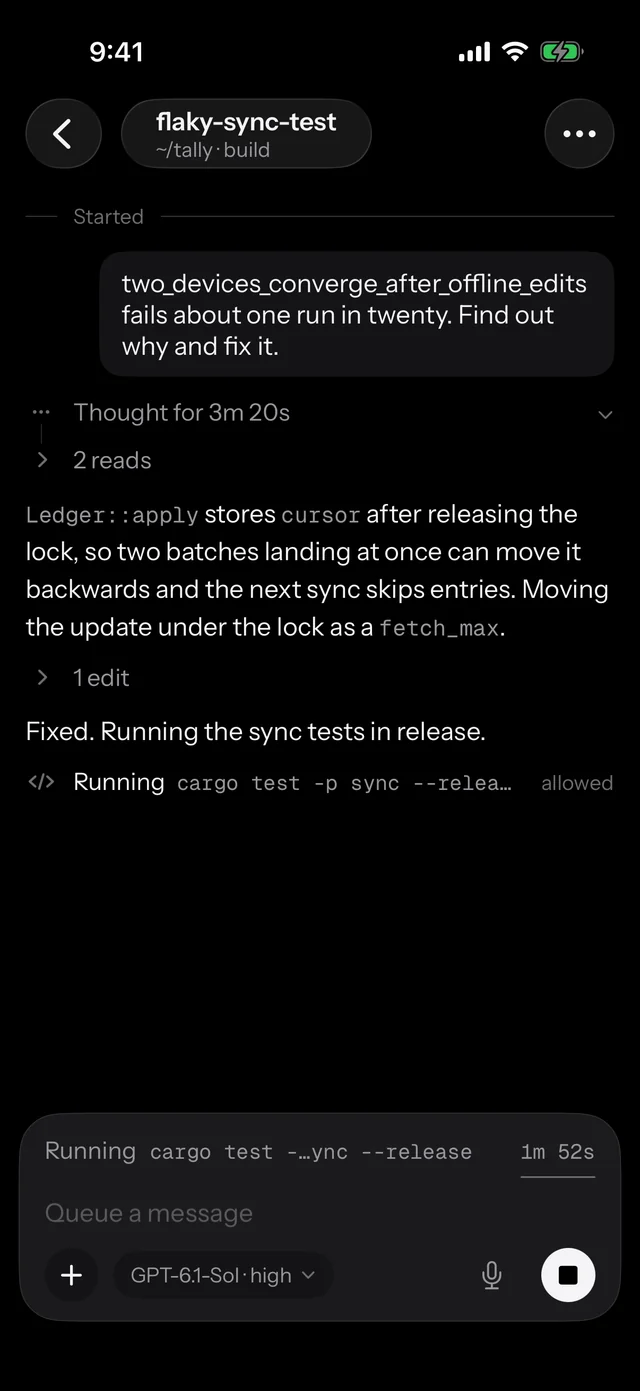
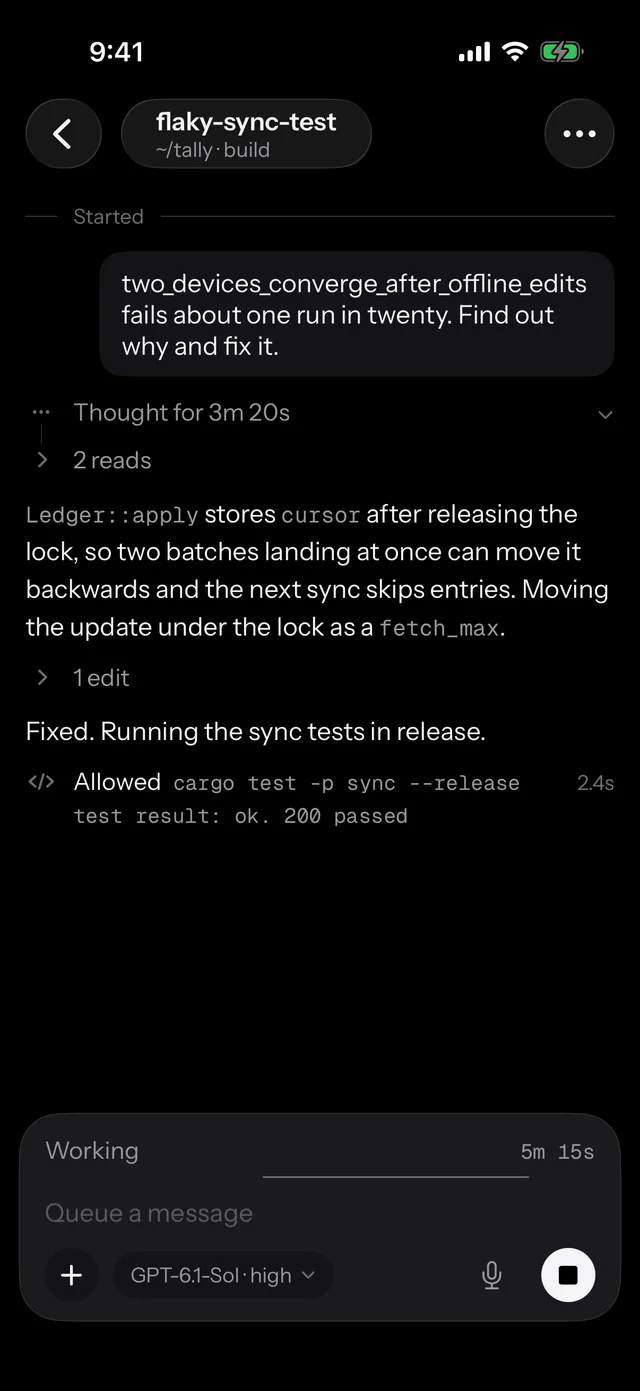
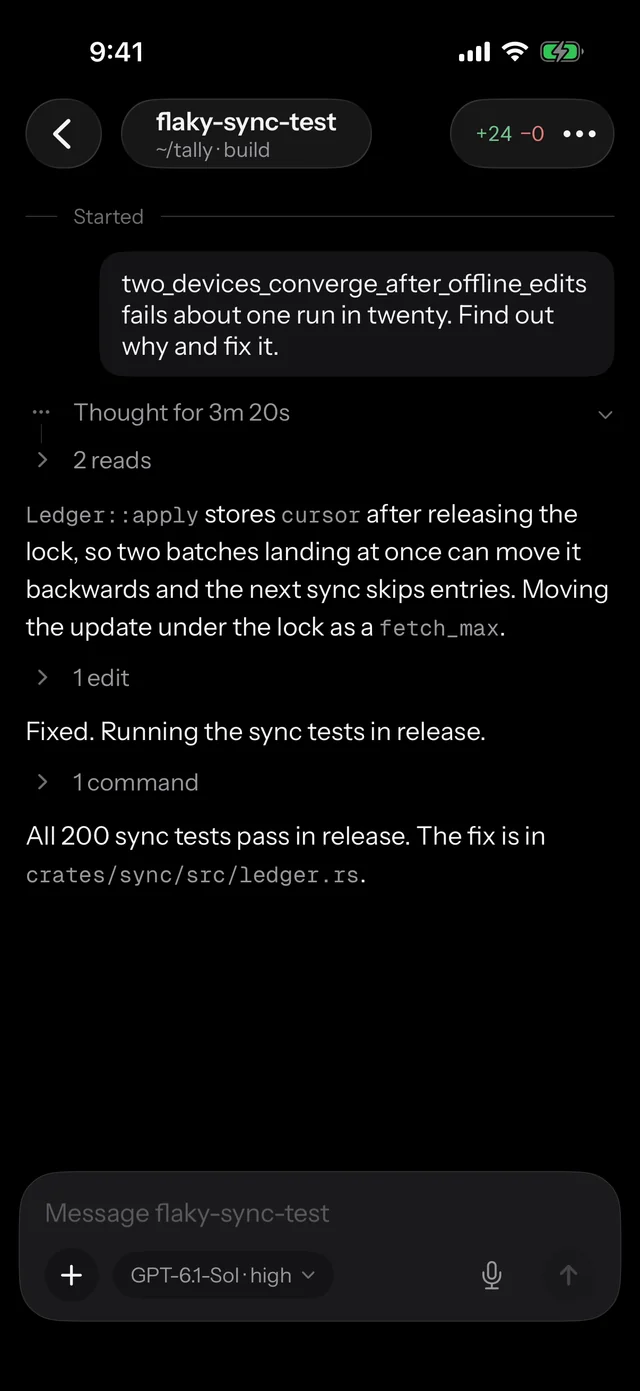
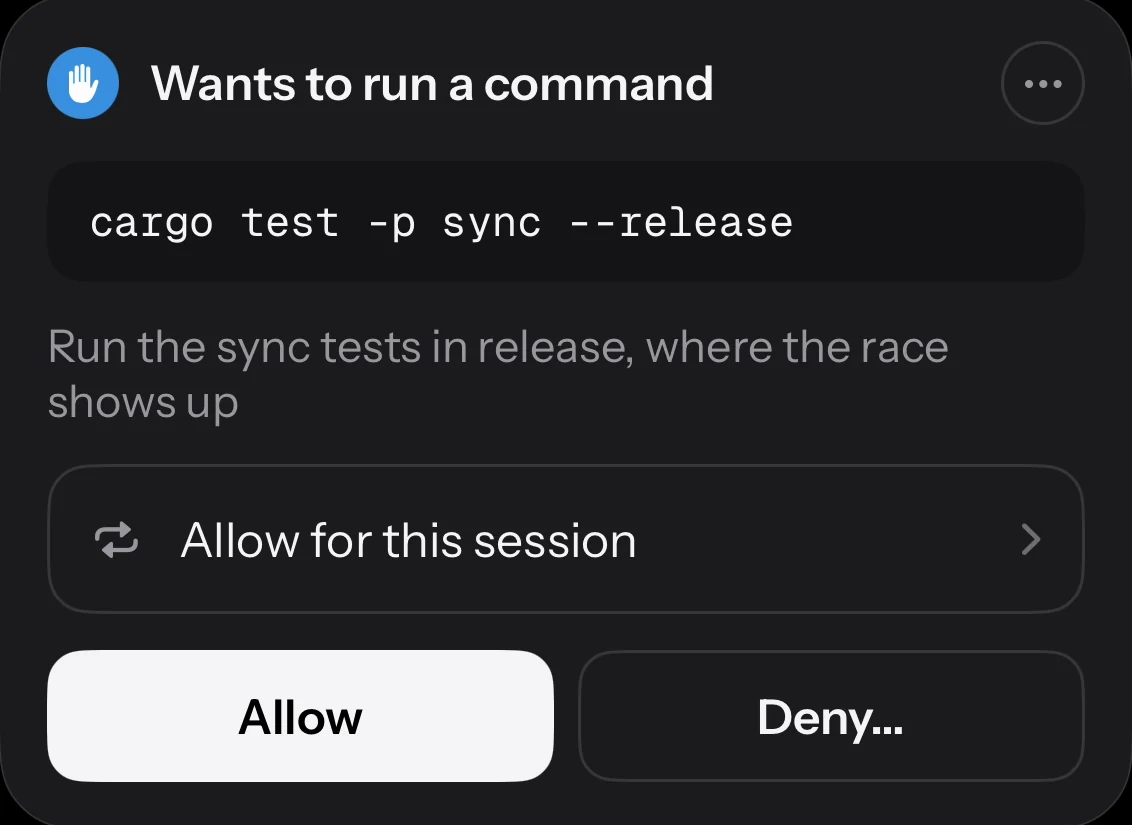
The amux iPhone app open on flaky-sync-test's chat, with its request to run cargo test -p sync --release waiting for Allow or Deny.

The real terminal app on studio, the real app on the phone. flaky-sync-test is waiting on you.

Every machine

Every agent.
Every machine.

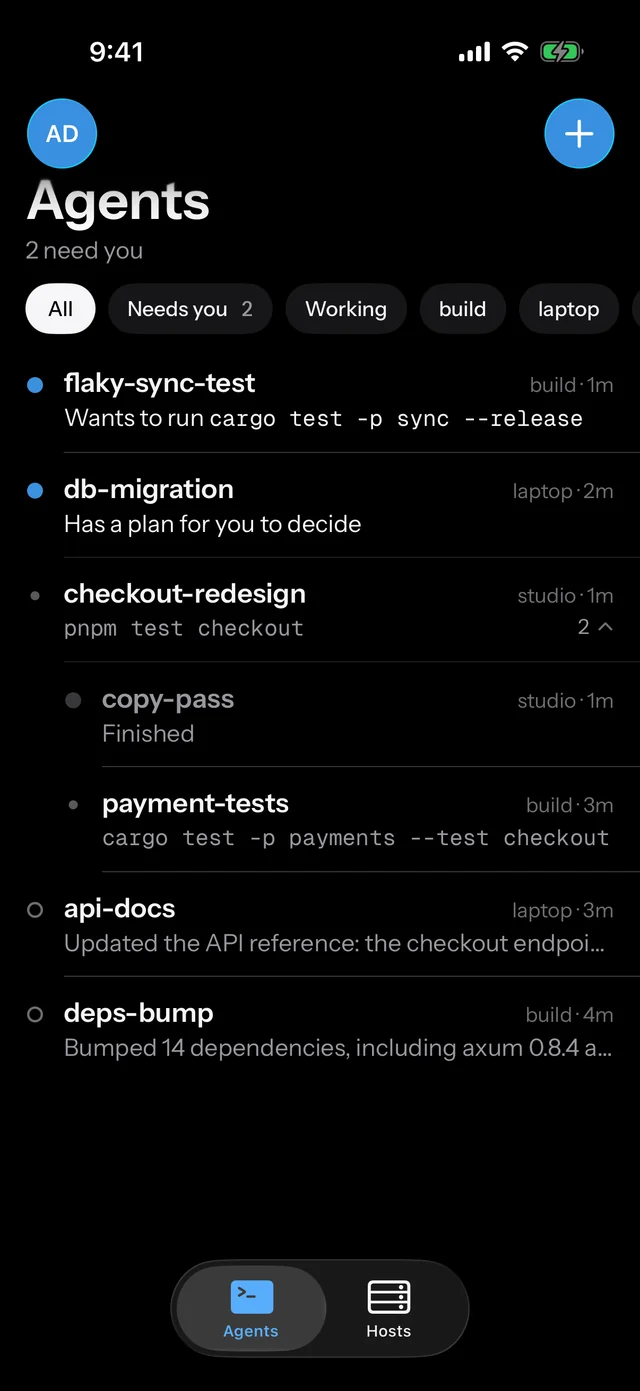
Agents keep working on the machine you started them on. amux shows you all of them, with the ones that need you at the top and the machine on every row.

zsh — studio

  • checkout-redesign Claude studio pnpm test checkout
  • copy-pass Claude studio finished

ssh build

  • flaky-sync-test Codex build wants to run cargo test -p sync --release waiting 14m
  • payment-tests Codex build cargo test -p payments --test checkout
  • deps-bump Codex build Bumped 14 dependencies, including axum 0.8.4 and sqlx 0.8.6. All 212 tests pass.

zsh — laptop

  • db-migration Claude laptop has a plan for you to decide waiting 6m
  • api-docs Claude laptop Updated the API reference: the checkout endpoint, saved cards, and the two payment errors clients need to handle.

amux2 working · 2 need you

▾ Needs you 2

    ▾ Live 5

      Three machines, three windows, and two agents that have been waiting on you for minutes in windows you weren't looking at.

      • Start anywhere

        Start a new agent on any of your machines, with Claude or Codex, from the terminal or the phone.

      • Nothing is lost

        Agents carry on when amux restarts, updates or crashes.

      • Every device catches up

        A laptop that slept or a phone that lost signal shows the agent's work as if it had never left.

      The iPhone app

      A full client,
      not a remote control.

      The iPhone app shows the same agents and the same chats as your terminal. Answer them, review their work and start new ones, just as you would at your desk.

      1. Never leave an agent waiting.

        Whatever needs you sits at the top, on every device.

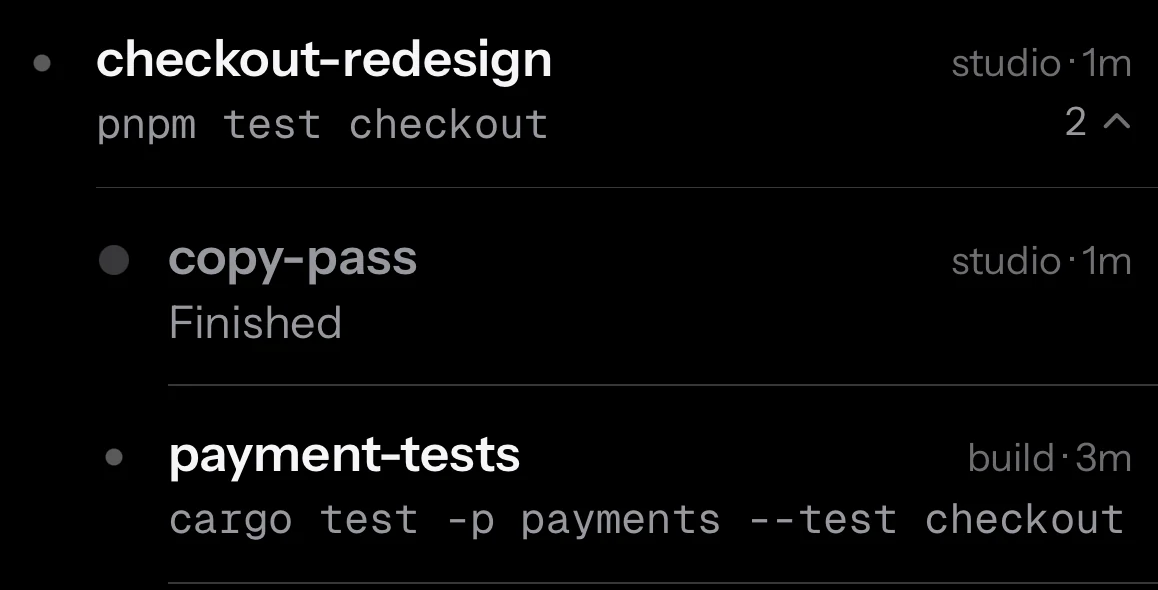
        The amux iPhone app's agent list: flaky-sync-test and db-migration need you, above checkout-redesign and the two subagents it started.
      2. Claude and Codex, working together.

        Agents start subagents on any machine you've paired.

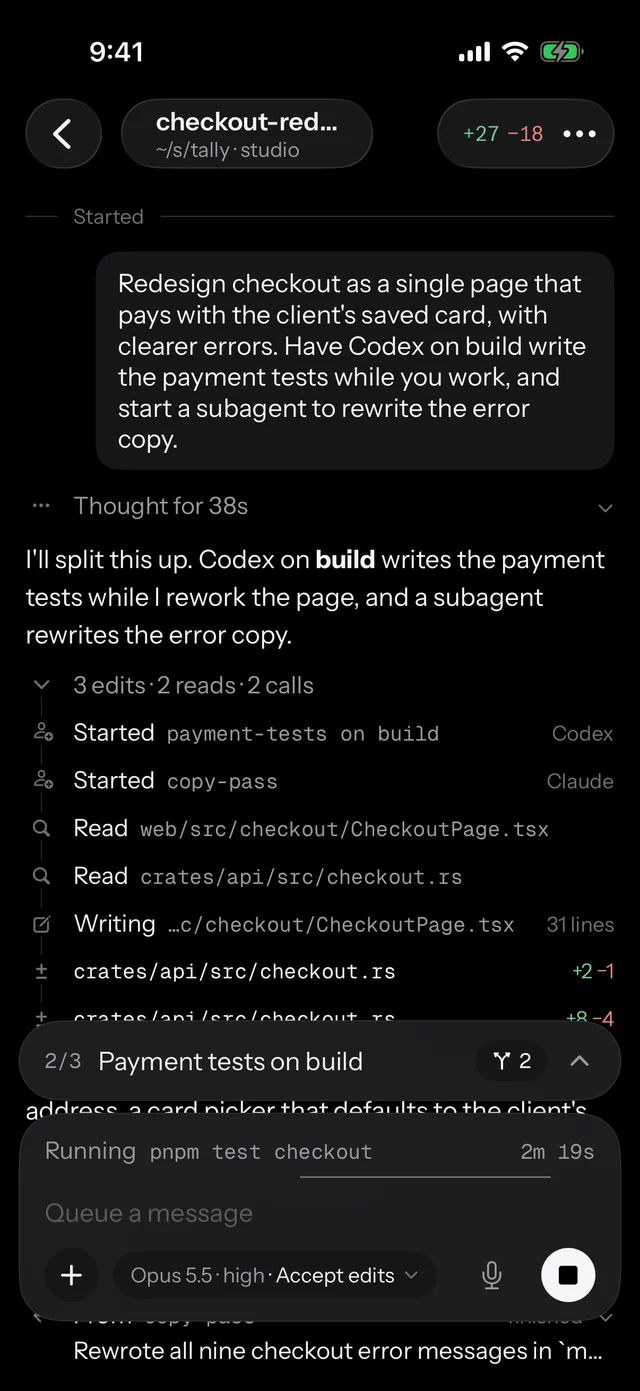
        checkout-redesign's chat on the phone, where it has started payment-tests in Codex on build and copy-pass in Claude.
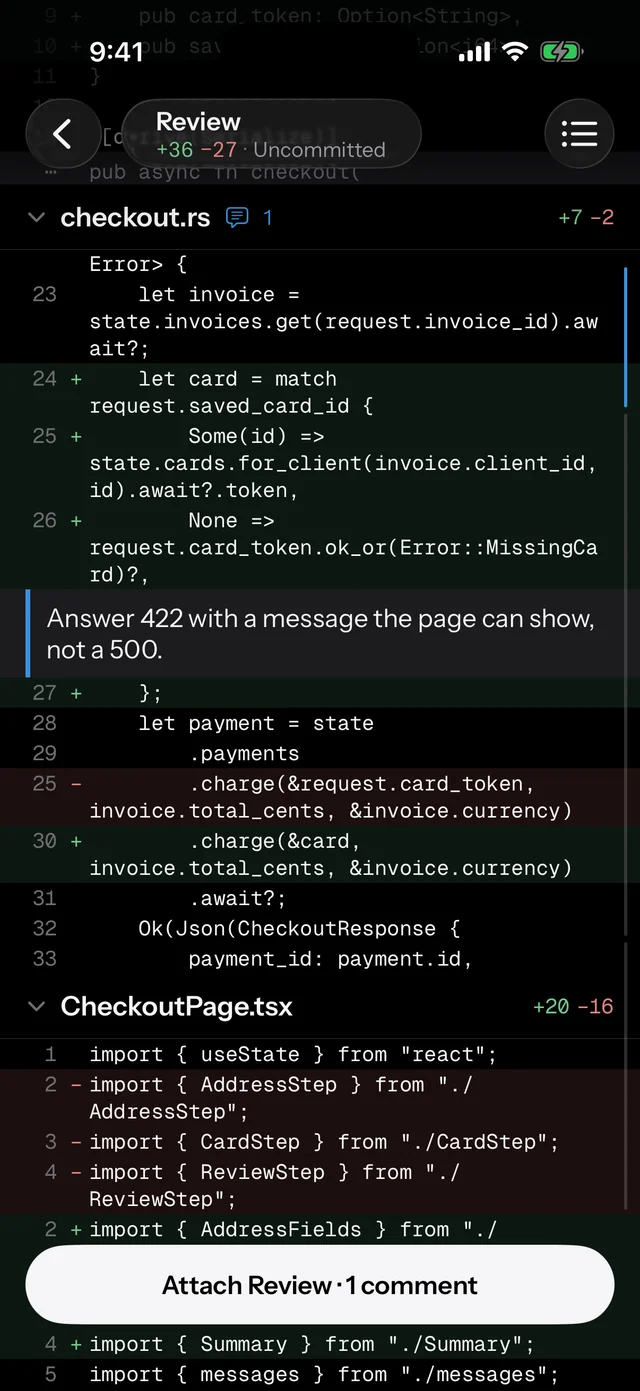
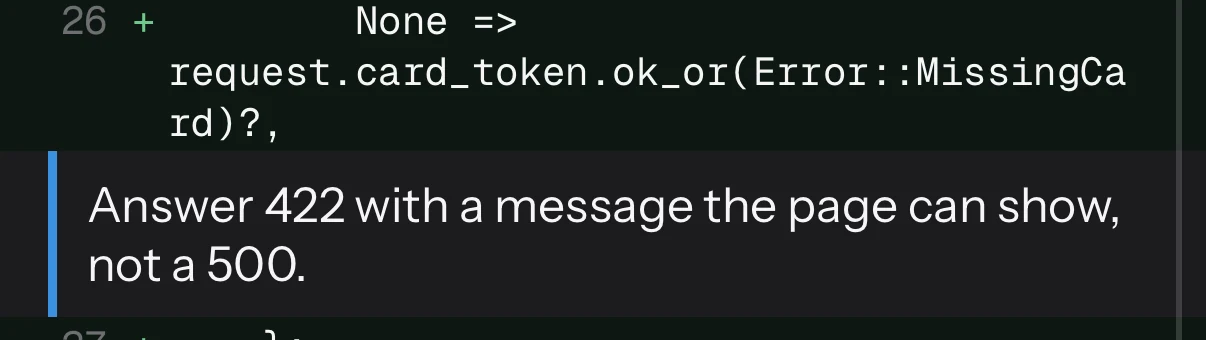
      3. Review the diff. Comment on the line.

        Your comments go to the agent with your next message.

        The review page on the phone: checkout.rs's diff, with a comment on line 26 asking for a 422 rather than a 500.
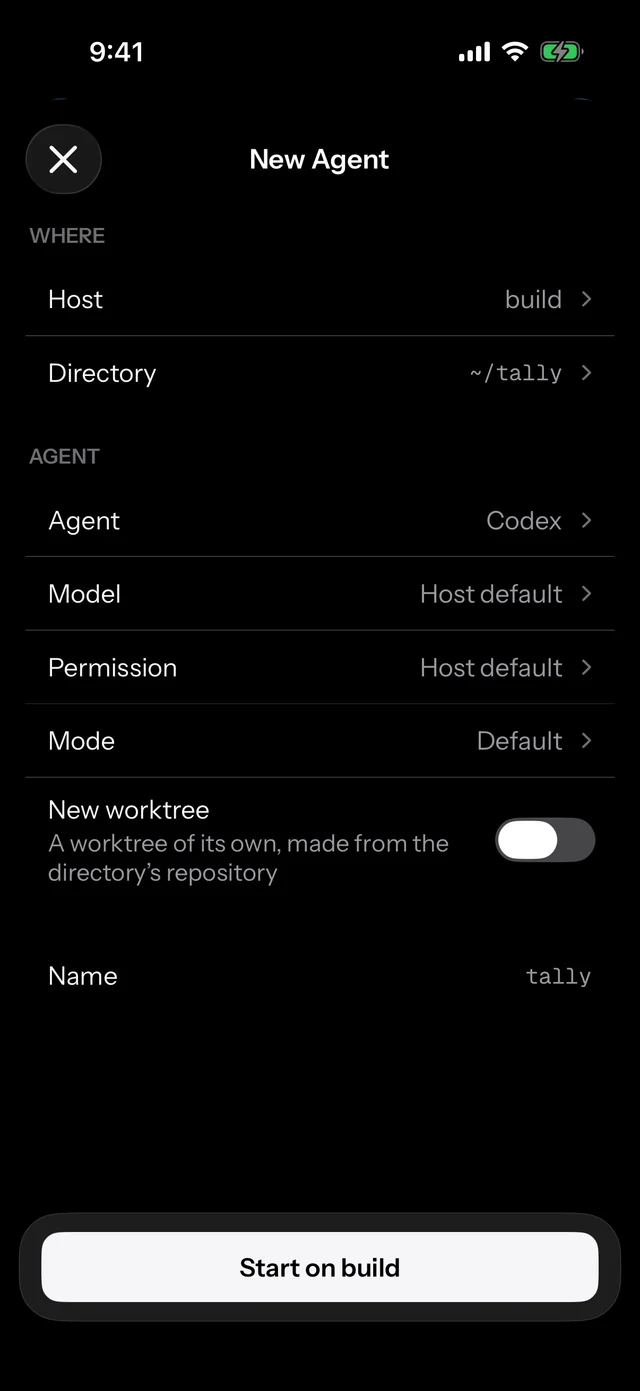
      4. Start an agent anywhere.

        Pick the machine, the folder, Claude or Codex, and go.

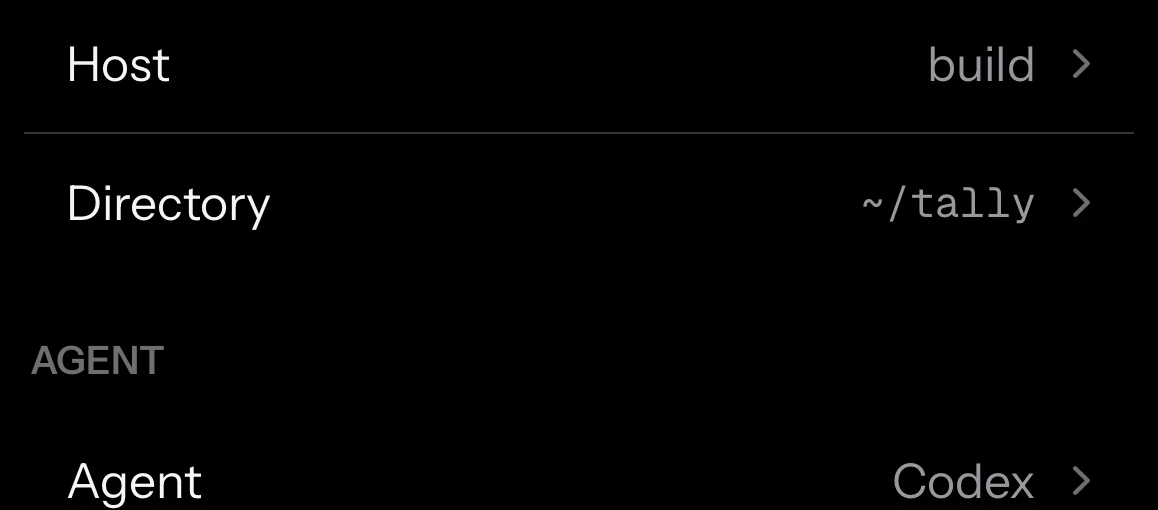
        The New Agent sheet on the phone, starting a Codex agent in ~/tally on build.
      5. Trust you grant in person.

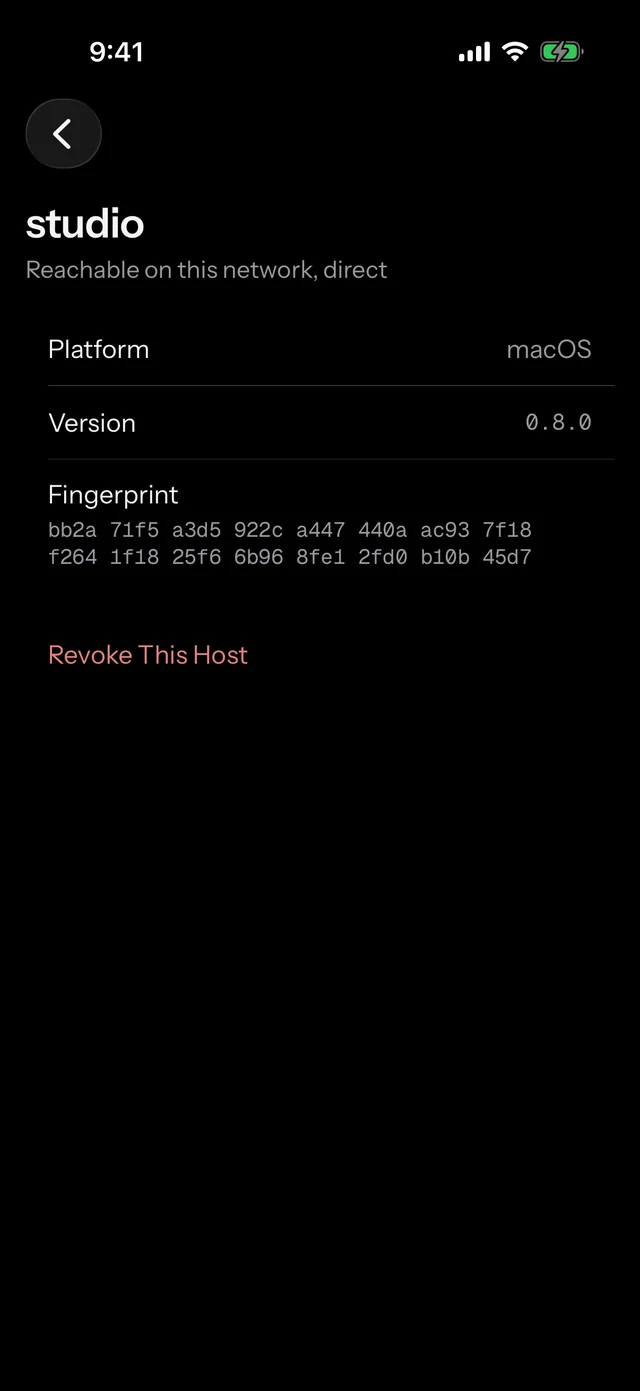
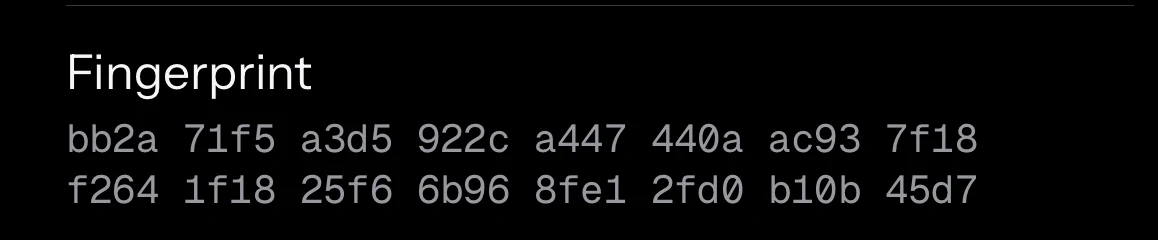
        Each machine you pair shows the fingerprint of its key.

        studio's page on the phone: reachable on this network, direct, with its macOS version and its key's fingerprint.

      The terminal app

      A terminal app
      worth living in.

      Every agent is one key away. Open one, read its diff and comment on a line without leaving the keyboard, then hand the comments back with your next message.

      • An overview

        What the agent has in flight: its tasks, background jobs, changed files, and how close it is to its usage limits.

      • Attachments

        Paste a screenshot or a long log and the agent gets it whole, not a truncated copy of your scrollback.

      Your interface

      Each agent as it is,
      or one chat for both.

      Open an agent in Claude Code's or Codex's own interface, just as it is, or in amux's chat, which reads the same for both and takes its colours from your terminal. One setting chooses.

      amux's chat, in Catppuccin Mocha. It reads the same for Claude and Codex. Set amux to each agent's own interface, and opening one hands your terminal to Claude Code. The agent stays in your list and on your phone. The same for Codex. Go back to your list, and it keeps working where it is.

      Subagents

      One agent can
      start the rest.

      Every agent can see the others, message them, and start subagents of its own on any machine you've paired. Claude can hand a task to Codex, and Codex to Claude, and each hears back when the work is done.

      You Redesign checkout as a single page that pays with the client's saved card, with clearer errors. Have Codex on build write the payment tests while you work, and start a subagent to rewrite the error copy.

      studio macOS

      checkout-redesign Claude
      copy-pass Claude

      From copy-pass · finished

      Rewrote all nine checkout error messages in messages.ts. Each says what went wrong and what to do next.

      build Linux

      payment-tests Codex

      cargo test -p payments --test checkout

      deps-bump Codex

      Privacy

      Private by design.

      Your agents, your machines, your keys.

      studio and build are on your network and connect directly, for free. Your laptop and your iPhone are away and reach them through the amux relay, part of Pro, which sees only encrypted traffic. your network direct, free amux relay Pro, when you're away 9f3a 0c7e 51bd a2e4 7710 c81e 4f09 be23 6d5a 03f1 2a6b e9d0 17c4 8f3e b552 studio build laptop iPhone
      • Your code stays on your machines.

        Agents run where you started them. amux carries their chats between your devices, not your repositories.

      • End-to-end encrypted.

        Every connection is encrypted between your own devices and checked against the keys they exchanged when you paired them, directly on your network or through the relay.

      • Paired in person.

        Machines trust each other only once you pair them, with a PIN or a QR code on the screen in front of you, or over SSH you already have. No account or server can grant access, and unpairing takes effect at once.

      How amux works: what each device, the account and the relay can and cannot do

      Get started

      Up and running
      in a minute.

      1. Install amux

        On your Mac, Linux or Windows machine. It keeps itself up to date.

      2. Run amux

        The first run sets this machine up with you, step by step.

      3. Scan the code with your iPhone

        Without the app, it opens the App Store. With it, your phone pairs at once, no PIN.

      4. Start an agent from your phone

        Tap +, pick a repository, and watch it appear in your terminal.

      More machines? amux pair desk pairs one nearby by name, and amux pair user@host one you reach over SSH.

      Pricing

      Free. Pro for
      when you're away.

      Everything amux does is free on your own network and over SSH, with no account. Pro adds the relay, so you reach your agents from anywhere.

      Free

      $0 for good

      No account, no card

      For the machines on your desk and your network.

      • The terminal app and the iPhone app
      • Claude Code and Codex, on all your machines
      • Machines on your network, or reached over SSH
      • Code review, subagents and themes
      • End-to-end encrypted
      Install amux

      On macOS, Linux and Windows, with the iPhone app free too.

      Pro

      $7.99 a month

      or $79.99 a year, and save 16%

      For when your machines and your phone are apart.

      • Everything in Free
      • Answer your agents from anywhere, not just on your network
      • Notifications on your iPhone when an agent needs you
      • Pair machines through the relay
      • Still end-to-end encrypted: the relay sees only ciphertext
      • Subscribe on the web or in the iPhone app
      Start a 7-day free trial

      For first-time subscribers, on the web.

      Questions

      Something else? Write to support@amux.sh or open an issue on GitHub.

      Which agents does amux work with?

      Claude Code and Codex. Chat with either in amux's chat, which reads the same for both, or in each one's own interface. A setting chooses which you get when you open an agent.

      Can I use my Claude or ChatGPT plan?

      Yes. amux runs Claude Code and Codex themselves, on your machine, so they use the sign-in and the plan you already have.

      Do I need an account?

      No. Machines on the same network find each other and pair, and SSH works the same way, with no account at all. Pro adds the relay, for when your machines are apart.

      Does my code leave my machines?

      amux doesn't take it anywhere. Agents run on the machine where you started them, and amux carries their chats only between your own devices, end-to-end encrypted. The relay forwards traffic it cannot read, and where your networks allow, it helps your devices connect directly instead.

      What happens when amux restarts or crashes?

      Your agents carry on. Each one works independently of amux, and amux's protocol makes sure nothing they do is lost: when amux comes back, it and your devices catch up on everything that happened.

      How is this different from tmux?

      amux takes tmux's best idea, that work should outlive the window you started it in, and applies it to agents rather than terminals. It knows what each agent is doing and which ones need you, it reaches across your machines and your phone, and it runs happily inside tmux if that is where you live.

      What does amux run on?

      macOS, Linux and Windows computers, and iPhone.

      Is amux open source?

      amux is source-available under the Functional Source License: free to read, build, modify and use for anything except competing with it, and Apache-2.0 two years after each version is published.

      Can I build my own client?

      Yes, please! amux is built to be built on. Every client, the terminal app and the iPhone app included, talks to amux through the same documented protocol, which is stable. Build on amux's Rust crates, or write a client in any language from the protocol: Build an amux client shows how. I'd love to see what you build.

      Who makes amux?

      amux is made by Jordan Webster, an independent developer. A Pro subscription, a GitHub star, a post or a bug report all help it grow.

      amux

      Your agents, everywhere, all at once.

      Free for macOS, Linux and Windows